
Bulk Adjustments - Inventory
The Bulk Adjustments feature allows you to easily change the quantity of the bulk non perpetual material in your inventory, without needing a grade allocation.
To navigate to the Bulk Adjustments page, click on Inventory > Bulk Adjustments. 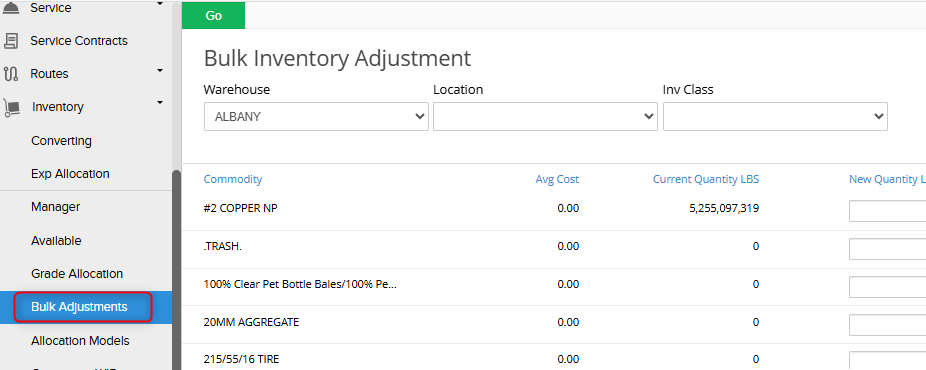
Filters
The Bulk Adjustments page can be filtered by Warehouse, a Location within the warehouse, and the Inventory Class of the Item.
How to Make Bulk Adjustments:
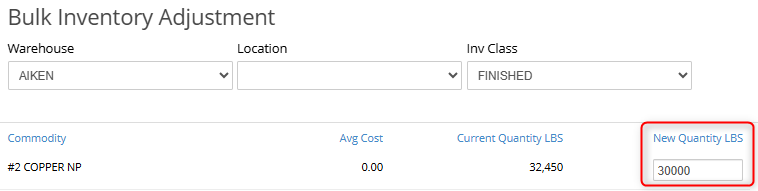
- Select the Warehouse, a Location within the warehouse, and the Inventory Class of the Item as needed for the Inventory you would like to adjust.
- Type in the New Quantity of the material.
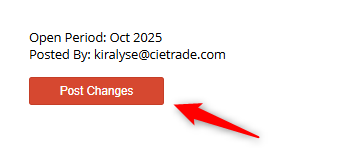
- Click the Post Changes button.
- The updated weight of the material will appear under Current Quantity.

If you have additional questions, please contact the Support Team via email to support@cietrade.net.