
How to Manually Resynch Vendors
If you come across the error "Unable to find vendor [VENDOR NAME]" in your accounting system, you can resolve this by manually resyncing the counterparty following the steps below.
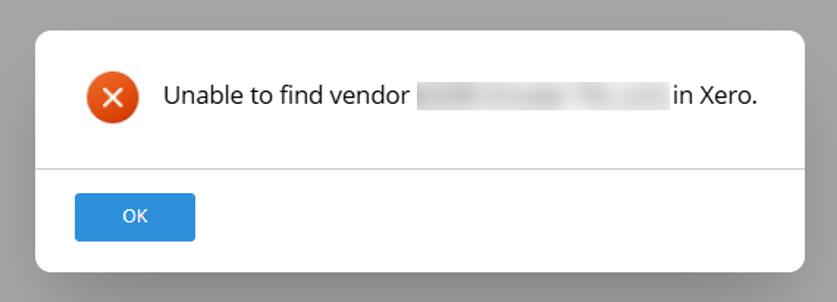 How to Manually Resynch a Vendor to your Accounting System:
 How to Manually Resynch a Vendor to your Accounting System:
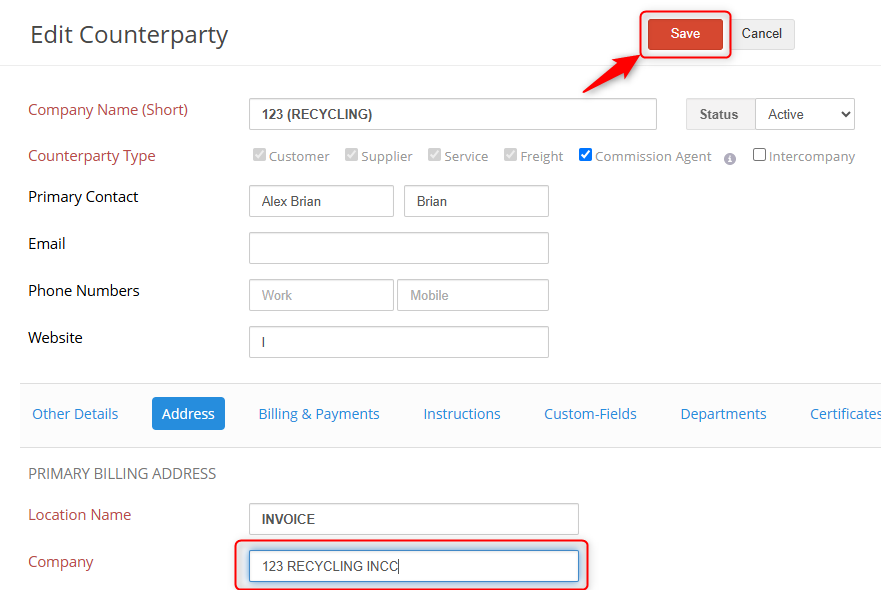
- Open up the counterparty and alter a character in the Long Name (this can be as simple as adding a letter).
- Note: there are other fields that could be used alternatively such as changes to the primary billing address, but only one alternation needs to be made.
- Save the counterparty.
- Click Edit counterparty and set the long name back to its original.
- Resave the counterparty.
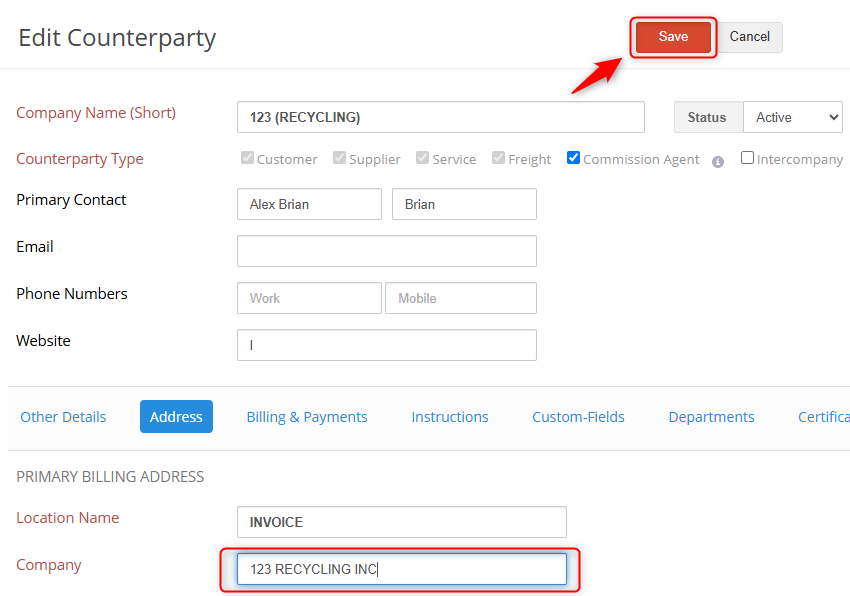
This will cause the vendor data to be pushed over to your accounting system and update the record, allowing you to then post payables for the counterparty.
If you have additional questions, please contact the Support Team via email to support@cietrade.net.