
Currency Contracts
Currency Contracts
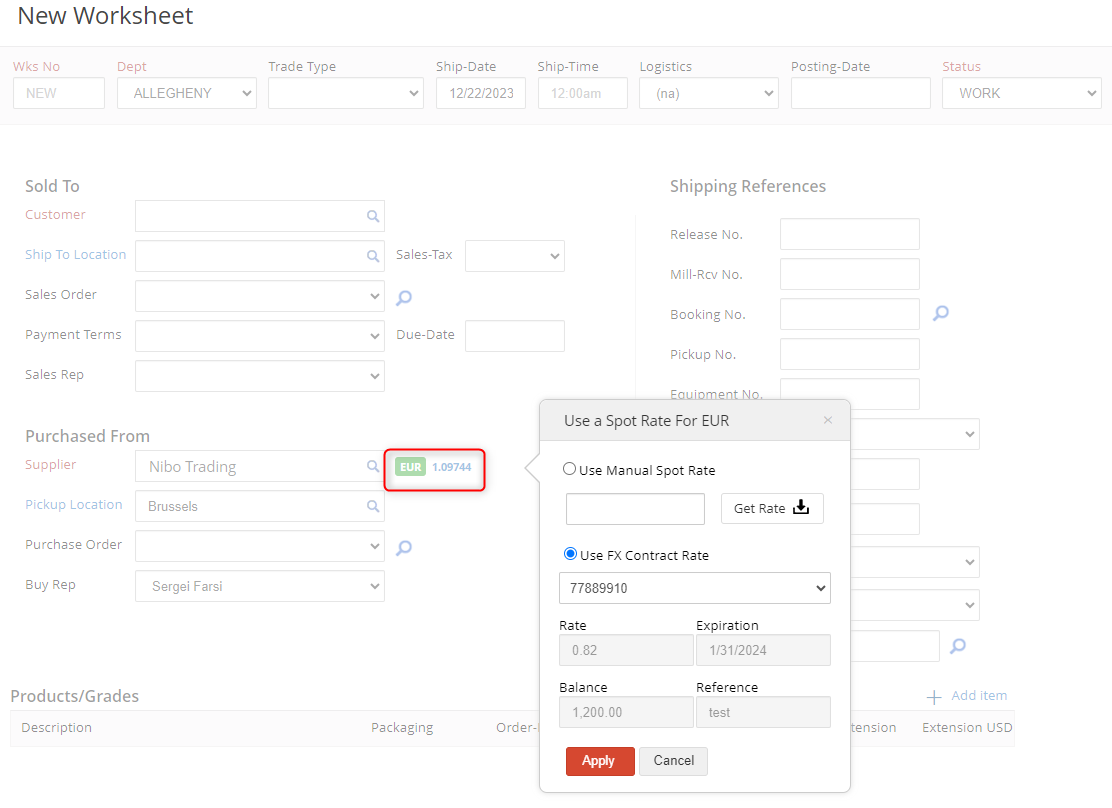
cieTrade.net supports the tracking of Currency Contracts and allows the users to assign a contract to orders or worksheets, to track hedging fulfillment.
Below are steps on how to accomplish this:
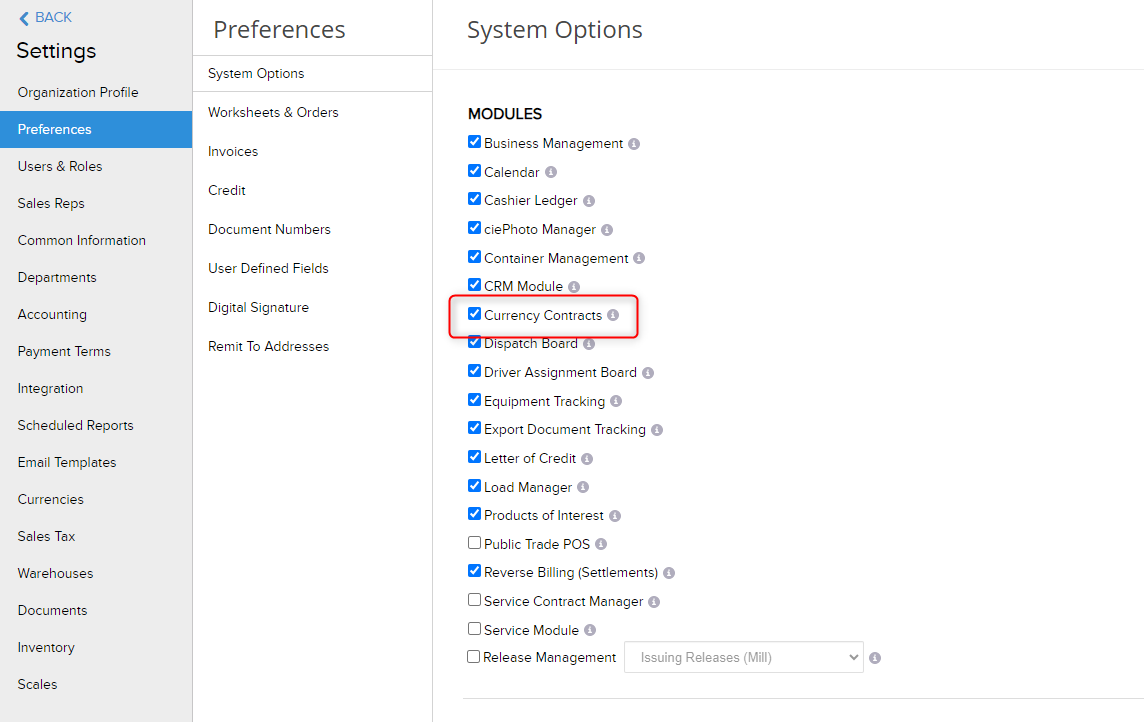
- Currency Contracts can be enabled within Settings > Preferences > System Options > Currency Contracts
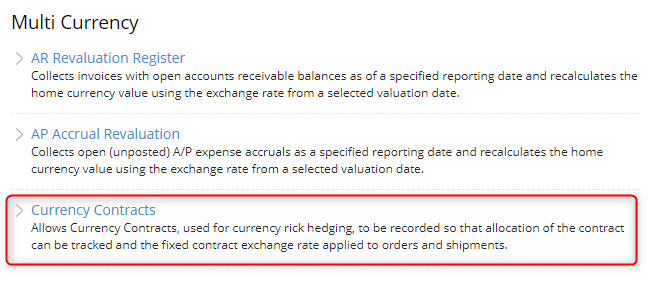
- Currency Contracts can be accessed within the Accounting Module
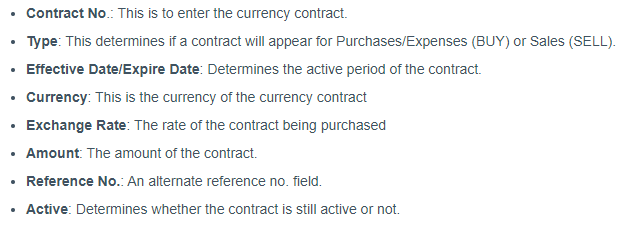
- To create a new contract, click on the +New Contract icon on the top right
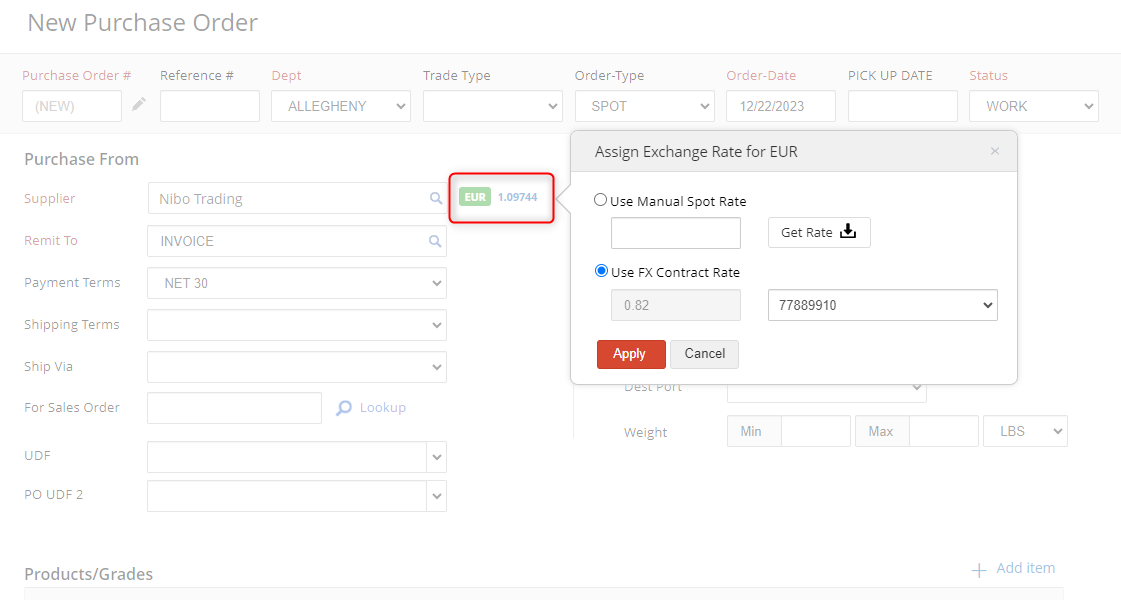
- Once the contract has been saved and marked as "Active", it can be assigned to an order

- On the Currency Contracts inquiry screen, you can check to see if a currency contract has been applied from the "Applied Amount" column
