
How do I Change Attachment Names
Within cieTrade you have the ability to upload images, documents, PDF's, etc. Documents can be attached anywhere in the system that contains the paper clip icon.
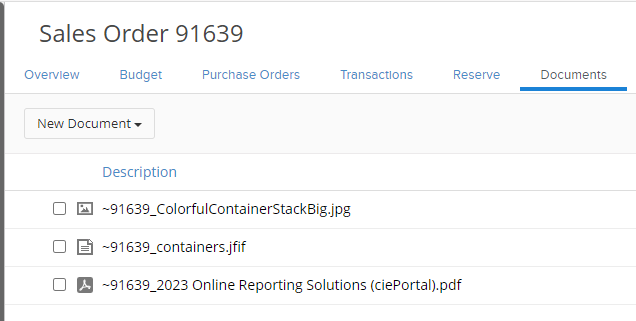
 Currently, within the Sales Orders you are able to change attachment names. Navigate to the documents tab of your sales order, and upload the desired file. Once successfully uploaded, hover over the document and select the pen icon to the far right of the attachment title.
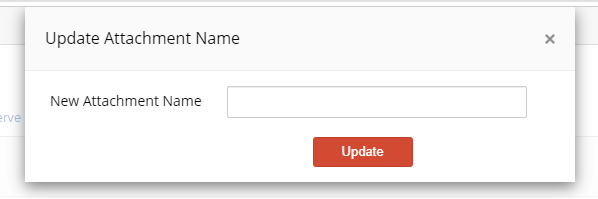
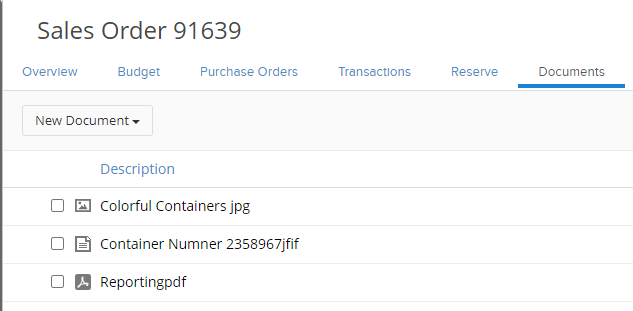
 This will allow you to edit the attachment title. Select update when complete, and the attachment title will change.
If you have additional questions, please contact the Support Team via email to support@cietrade.net.